What can Dots do? A practical feature guide
Choose between research, connected apps, cloud work and local tasks.
Research and preparation
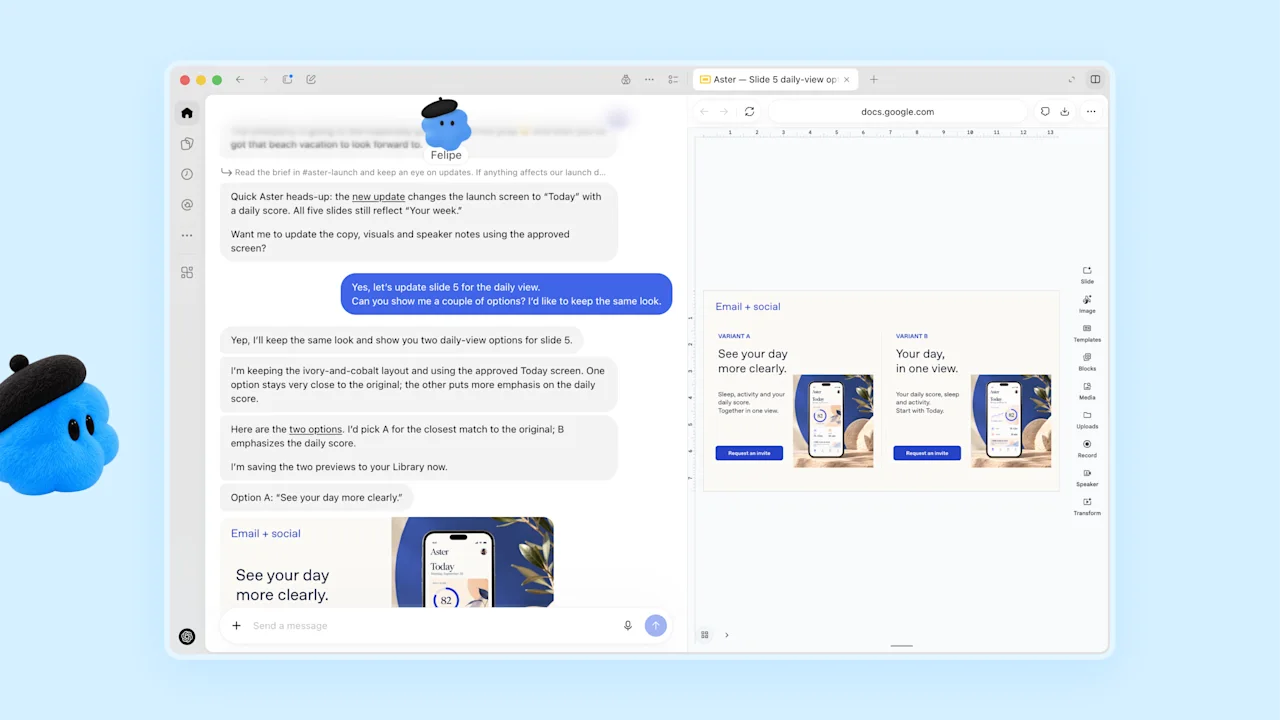
Give your dot a topic, a source list, and a decision to support. Ask for changes since a known date rather than a broad recap. A useful research result includes what changed, the original link, and why the change affects your next action.
Apps and working files
Connected plugins supply app tools; the cloud computer supplies a working browser and files. Pick the most direct source. Use a document link when you know it, a project folder when the work spans files, and a repository issue when the task concerns code.
Ongoing responsibilities
A responsibility describes an outcome across time, such as keeping a launch checklist current. A schedule describes when to run a check. Specify both when needed: what to maintain, how often to review it, and what change deserves an update.
Memory and feedback
Tell your dot the editorial, analytical, or coding choices you want repeated. Correct a specific output and explain the preference behind the correction. For project facts that change, keep one named source of truth and ask the dot to refer back to it.