ChatGPT Dots meeting prep (OpenAI Dots + Calendar)
Walk into meetings prepared: ChatGPT Dots / OpenAI Dots briefs from Calendar, Gmail, and Drive—one-shot and recurring schedules.
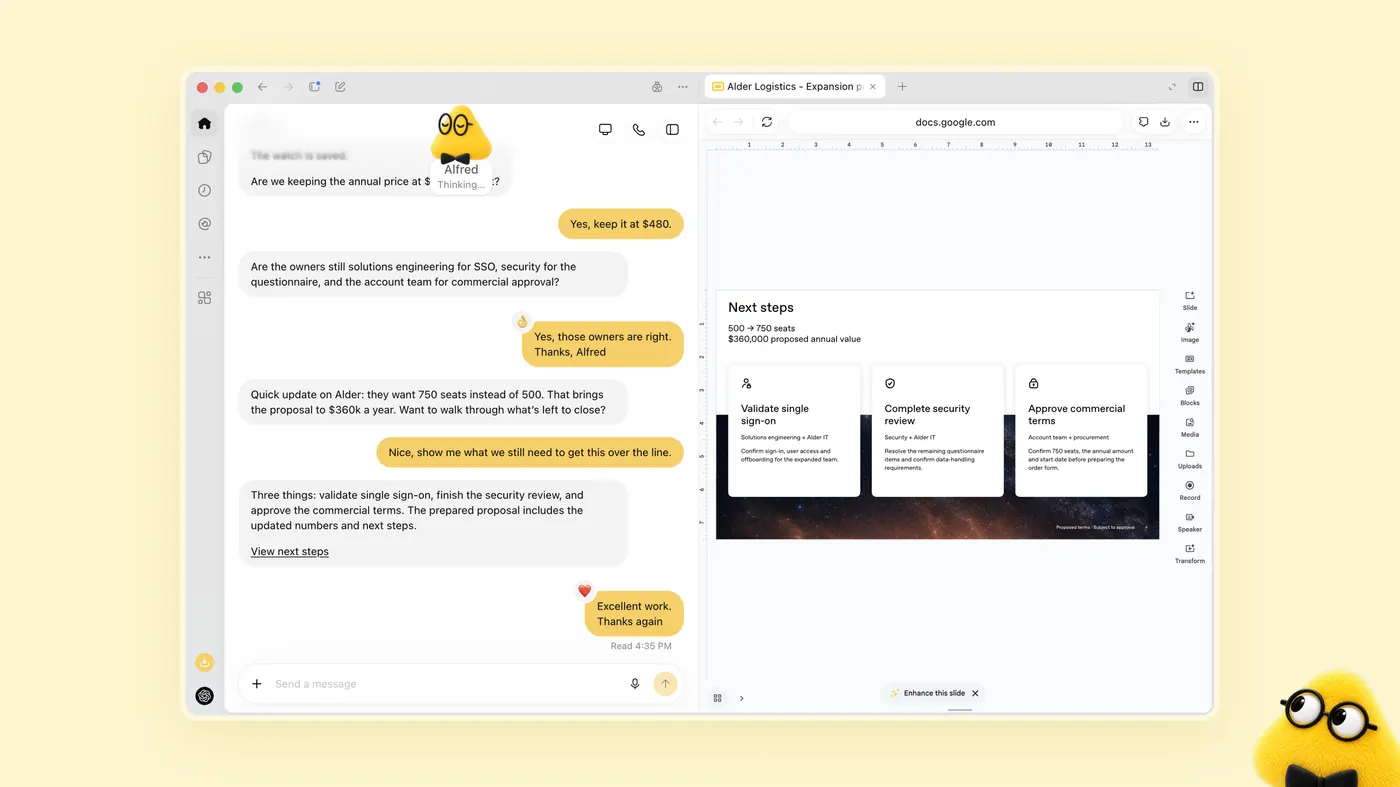
Who this is for
You want a Dot to walk you into calls with context, questions, and open asks—using Calendar + mail/docs—not a vague “summarize my life” prompt.
Grounding
- Calendar and mail/docs are separate plugin connections (Integrations).
- Dot keeps working between conversations and can pause/wake; recurring prep needs an explicit schedule (Tasks and memory).
- Official offsite example pattern: share plan + venue emails, list decisions/deadlines, draft replies for review without sending (Meet dots).
- Template twin: meeting preparation workflow.
Setup
- Connect Google Calendar (or your calendar plugin) and the mail/Drive sources for that account.
- Smoke-test: “What’s my next meeting with [name] and the last email thread?”
- Tell the Dot your briefing format (one page: goal, stakes, open asks, risks). A strong pattern is a daily “next move” card: meeting title, time, agenda link, and how many decisions you still owe (OpenAI Dots — TechTiff shows one such dashboard).
One-shot prep brief
Prepare me for [meeting title] on [date time timezone]. Sources: Calendar event, related Gmail threads, and [Drive doc / deck]. Output: (1) goal in one sentence, (2) what they asked vs what we committed, (3) three questions I should ask, (4) decisions needed from me, (5) links to sources. Draft any follow-up email for review only.
Recurring daily prep
Each weekday at [time] [timezone] for the next [N] weeks, brief me on meetings in the next [N] hours that include external attendees. Skip 1:1s labeled internal. Put the brief in ChatGPT; Slack DM me only if a prep doc is missing within 2 hours of start. Confirm the schedule.