What is OpenAI Dots?
An ongoing AI teammate for projects that outlast a single conversation.
A place to keep work moving
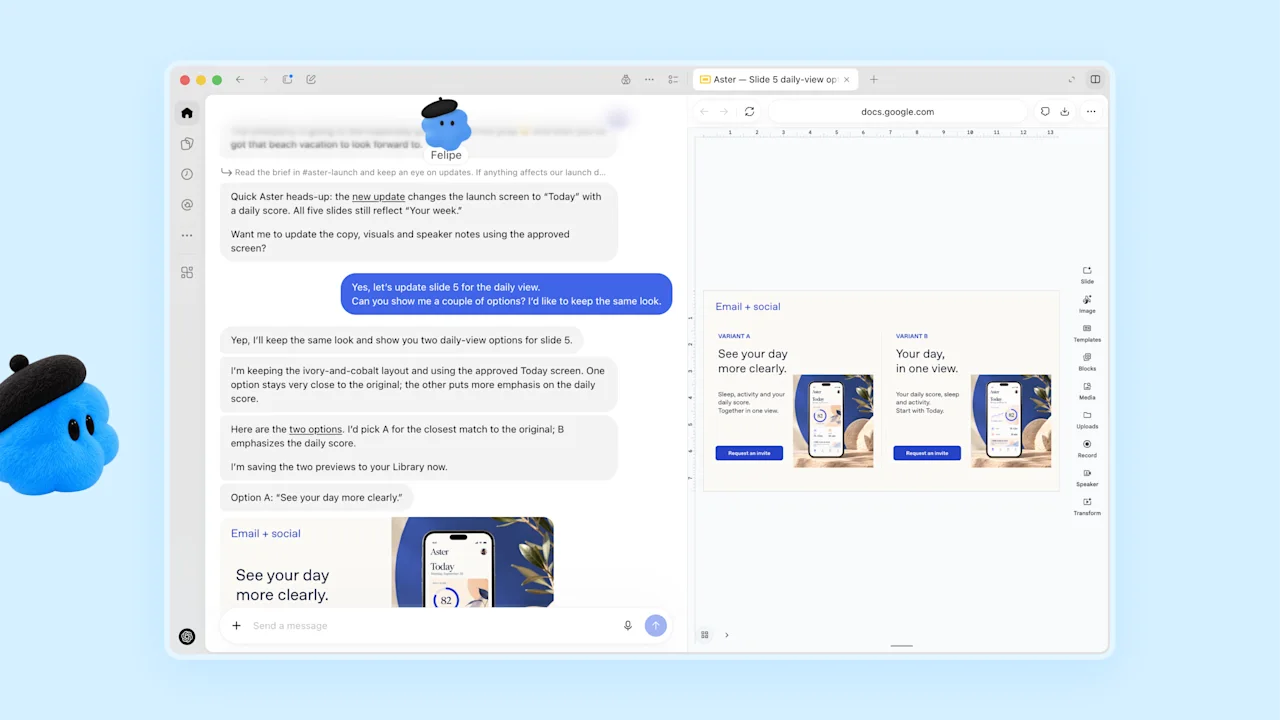
Dots is an always-available agent in ChatGPT. Give it a responsibility, the sources it needs, and a clear definition of finished. It can coordinate ongoing work while you keep talking to it. Your primary dot brings those responsibilities together in one relationship.
Three useful starting points
Start with a morning briefing, a project follow-up list, or a research watch. Each has a recognizable input and a useful recurring output. A good first result is something you can check in five minutes: source links, next actions, and a small number of decisions.
Where the work happens
Your dot has a cloud computer and browser. It can also use connected apps and, with a computer connection, local files and tools. Open Activity to inspect work it has delegated. For a repository task, give the repository and issue link; for a document task, give the document and the required deliverable.
Make the first brief concrete
Try: “Every weekday, turn the project updates I share into a list of changed deadlines, unanswered questions, and the next three actions. Link each item to its source. Ask me to choose only when two priorities conflict.” Refine the first output before expanding the responsibility.