Dots vs Codex vs ChatGPT Work
Use Dots to coordinate, then follow the task into its working environment.
Choose by the job
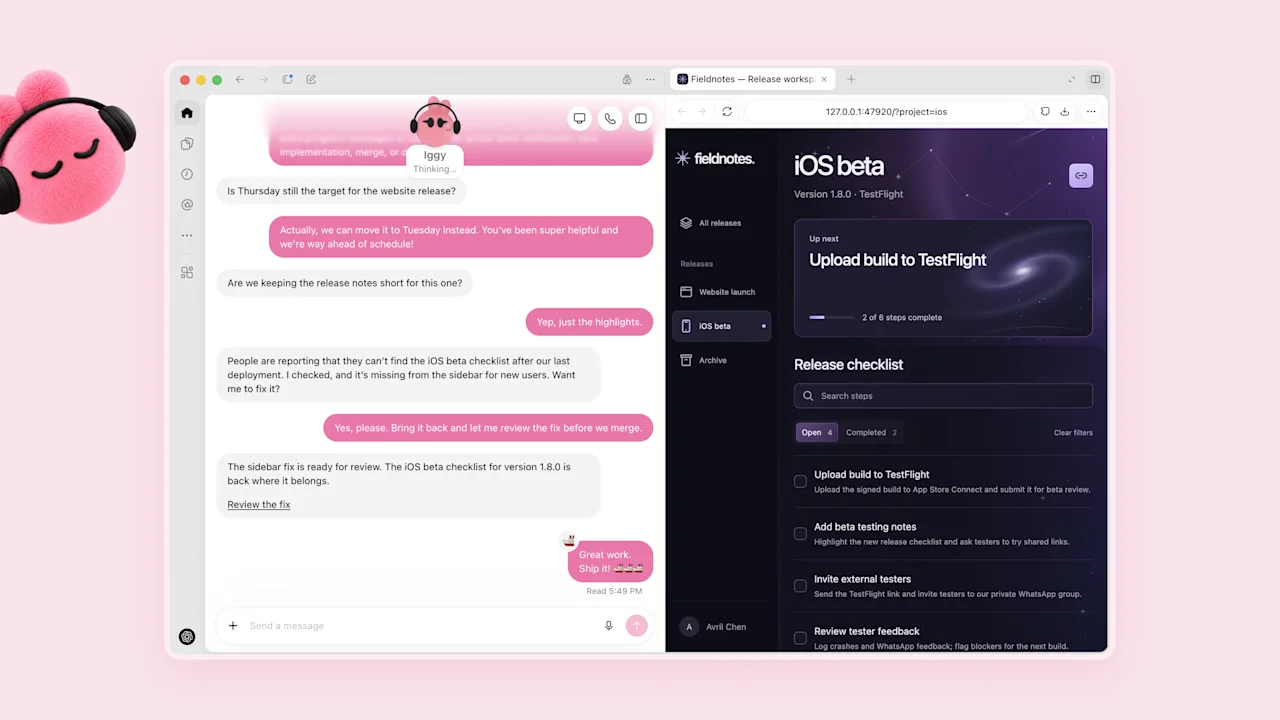
Use a dot when the responsibility continues across conversations and sources. Use Codex for repository-focused coding work. ChatGPT Work is a task environment for broader computer-based work. A dot can start or manage Work and Codex tasks as part of a larger responsibility.
Example: a customer-reported bug
Give your dot the customer report, impact, and repository. Ask it to identify the issue, coordinate the coding task, and bring back a fix with relevant verification. Open the delegated task to review the actual changes. The dot conversation remains the place for priorities and follow-up.
Example: a project briefing
Give your dot a folder and a recurring responsibility to surface changed decisions. A document-building task may happen in Work or its cloud environment. Ask for a source-linked brief and a single destination for the final file so you can find the latest version easily.
Keep usage visible
The official launch terms treat Dot conversations and delegated Work or Codex tasks differently. Inspect the task in Activity and use the pricing guide to understand which allowance applies.