Dots + GitHub: setup and first workflow
Move from an issue link to a focused investigation.
Before you start
Have your GitHub plugin and the repository or configured coding environment ready. Open the app or contact-method connection available to your account. Complete sign-in and verify the account name before assigning work.
Connect and check
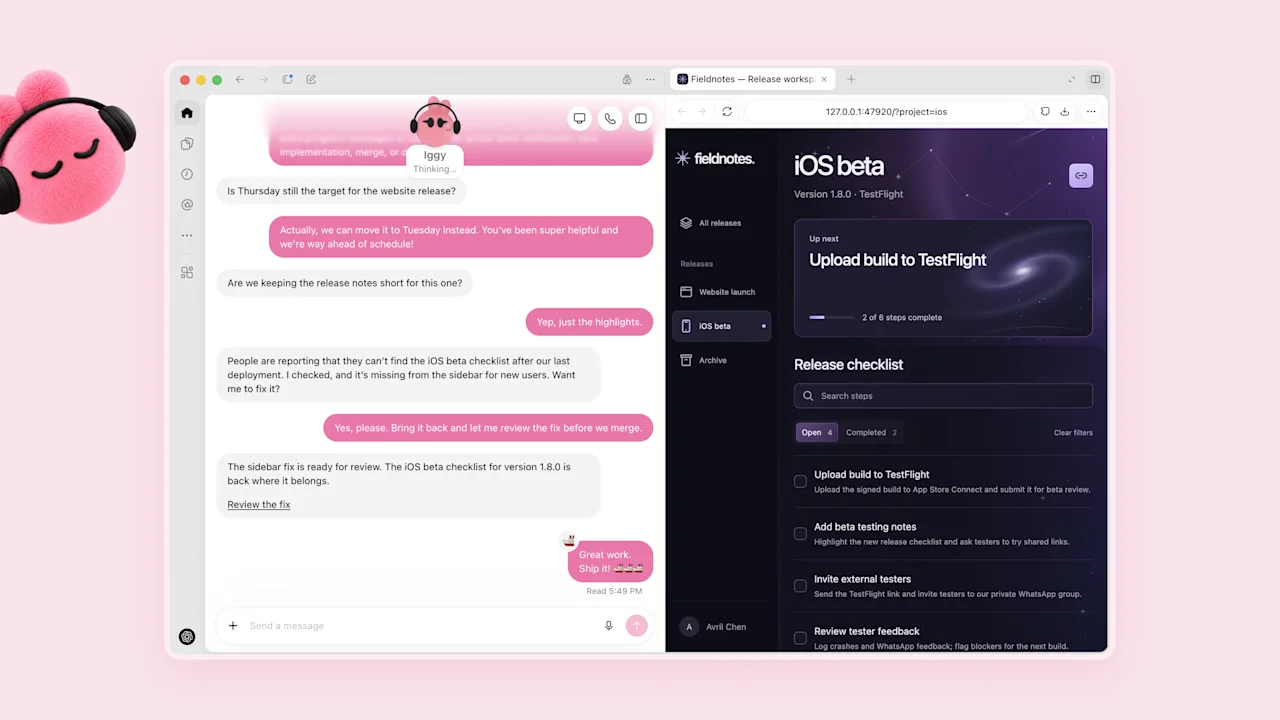
First ask the dot to read the issue and identify the repository. When coding is delegated, open the task to follow the code changes. Specify the expected user-visible behavior before implementation.
Run one bounded task
Choose one project and a short date range for the first run. Use the brief below, replacing every bracketed field. Ask for a source link with each result so you can open the original item immediately.
Make the next run better
Review the first output for missing items, repeated items and incorrect owners. Give that feedback together with one example of the format you prefer. Add a schedule only once the result is useful, and include its time zone and end date.
Copy this task brief
Investigate [issue URL] in [repository]. Reproduce the reported behavior, identify the failing path, propose the smallest complete fix, and run the relevant check. Return the changed files, test result and a pull request draft.Download Markdown ↓